

Veo 3.1
Video Models
Higher realism and native audio sync.
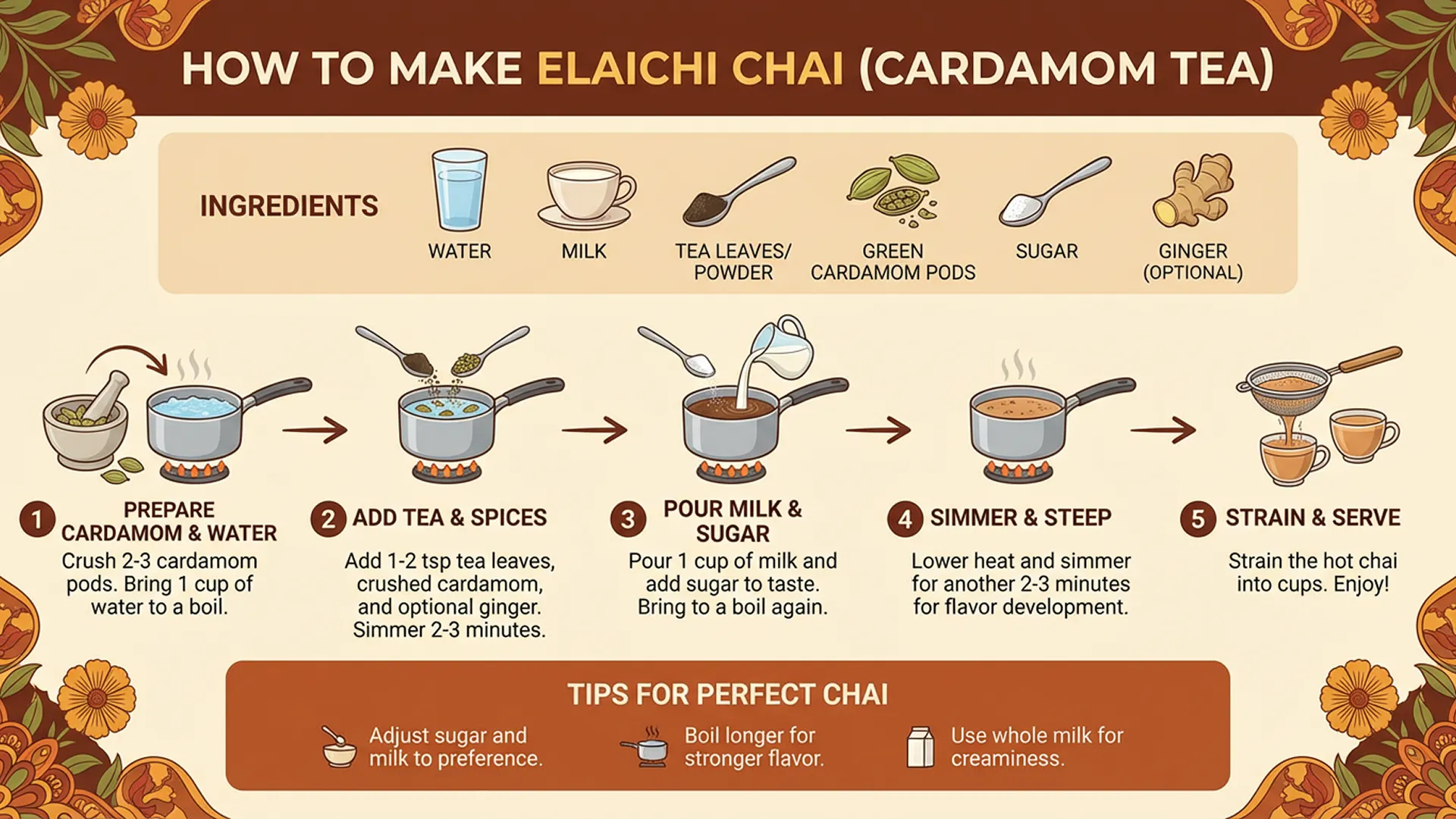
Create branded AI images with Nano Banana Pro using text prompts, image references, and iterative edits. This workflow is built for text rendering, layout control, multi-image consistency, and high-resolution brand creative.
Model Selection
Parameters


Compare Nano Banana Pro with other World Model Hub image and video models when you need faster drafts, higher detail, or different commercial workflows.
Veo 3.1
Higher realism and native audio sync.

Grok Imagine
Fast creative video ideation.

Sora 2
Real-world and narrative simulation.

Kling 2.6
Smart camera control for video.
Seedance 1.5 Pro
Audio-sync and narrative control.

Nano Banana 2
World-knowledge-enhanced image generation.

Nano Banana
Lightweight high-speed image generation.
Nano Banana Pro is an AI image generator for teams that need accurate text rendering, stronger layout control, and higher-quality brand image editing. Try Nano Banana Pro free with WMHub starter credits for posters, ad creatives, product visuals, and commercial brand assets.
Nano Banana Pro is an AI image generator for teams that need accurate text rendering, stronger layout control, and higher-quality brand image editing. Try Nano Banana Pro free with WMHub starter credits for posters, ad creatives, product visuals, and commercial brand assets.
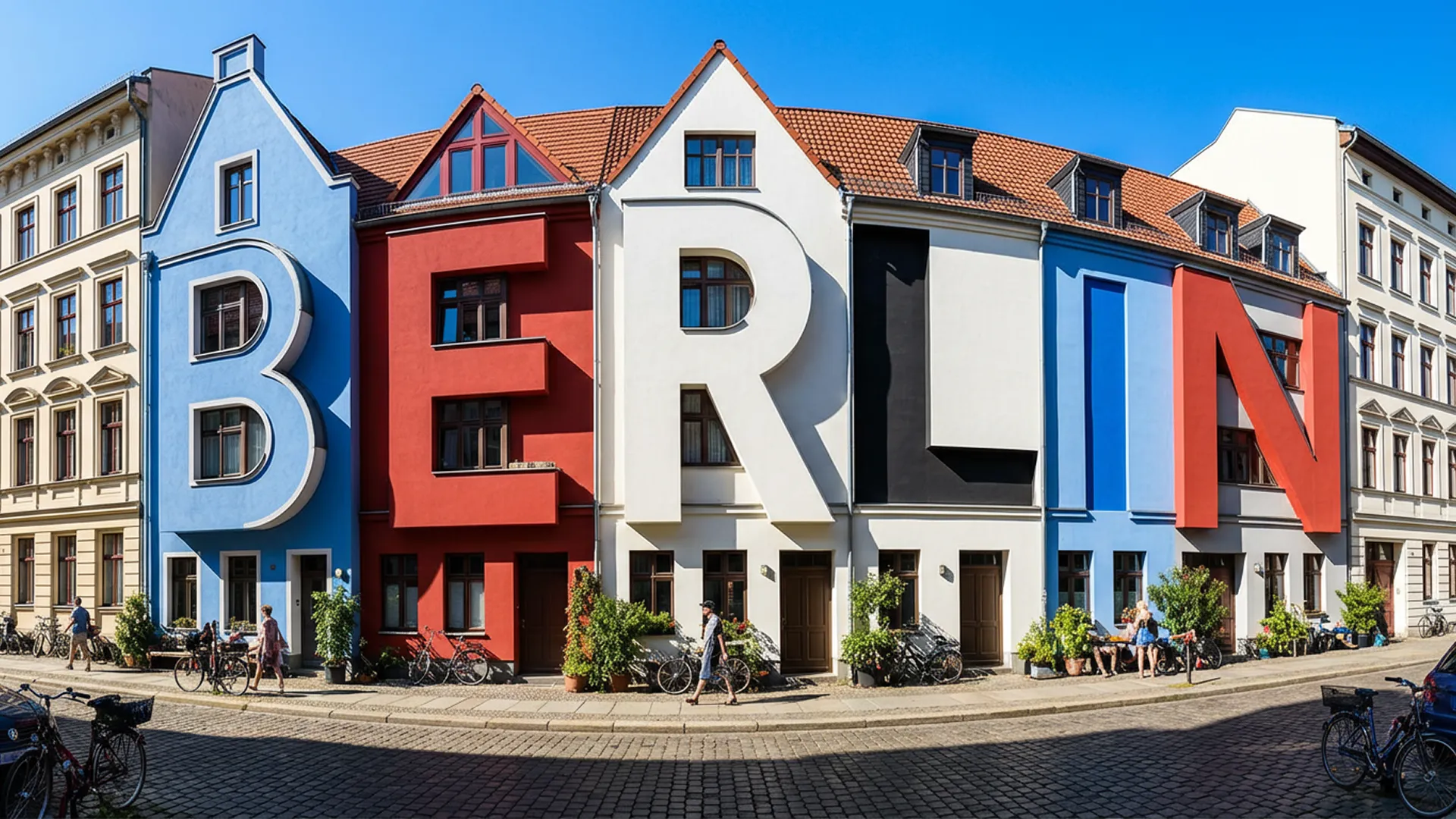
Core Nano Banana Pro capabilities for design, ecommerce, and marketing teams that need better text rendering and brand-safe image workflows.
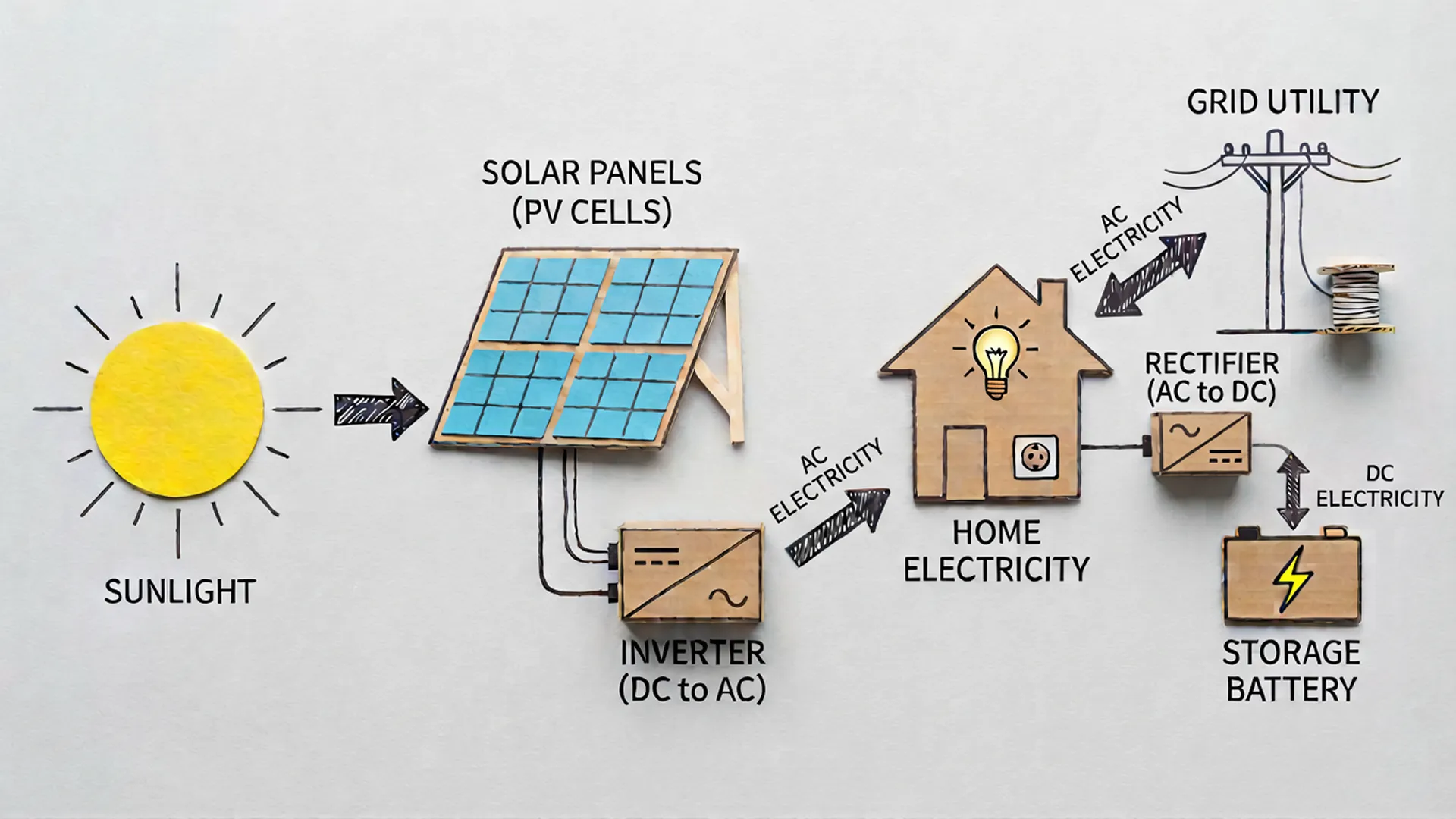
Generate image concepts from structured prompts while keeping stronger control over hierarchy, composition, and message placement.
A practical three-step workflow for creating branded images with Nano Banana Pro.
Write a prompt that includes subject, brand tone, text requirements, and composition rules. Add references when identity or packaging consistency matters.
Run a first version, inspect typography, spacing, and subject detail, then iterate with image edits or extra references.
Choose the right aspect ratio and 2K or 4K output, then export images for ads, storefronts, product pages, or campaign decks.
High-value Nano Banana Pro workflows for posters, ad creatives, ecommerce visuals, launch graphics, and commercial brand production.
Produce campaign key visuals, product posters, and offer graphics with more accurate text placement and cleaner hierarchy.
Generate covers, promo banners, and announcement visuals that stay aligned with brand typography and color systems.
Create product-led hero visuals, retail promotions, and storefront assets with sharper composition control.
Maintain visual language across teams with repeatable prompts, approved references, and more consistent output.
Create title slides, one-pagers, and proposal visuals where readable text is part of the image itself.
Prototype multiple campaign directions quickly before handing off to final design or retouching.
How teams use Nano Banana Pro for typography-heavy and brand-sensitive image workflows.
“
It is the first Nano Banana workflow where headline text stays usable enough to review inside the image draft.
Mia L.
Creative Producer“
We use Nano Banana Pro for campaign mockups because posters, offer cards, and CTA blocks need cleaner layout control.
Noah T.
Performance Marketing Lead“
Multi-image input makes it easier to keep packaging, palette, and product angle aligned across variations.
Ava C.
Brand Designer“
We can move from rough layout to near-client-review creative much faster than with our old edit-heavy workflow.
Ethan R.
Art Director“
The 4K option is useful when we need sharper assets for launch pages and ecommerce placements.
Sophia M.
Product Marketing Manager“
It gives our team one place to test copy-led visuals, product references, and composition ideas before final design polish.
Liam K.
Creative StrategistAnswers about Nano Banana Pro text rendering, image editing, multi-image workflows, 2K or 4K output, and generation credits.
Start with one Nano Banana Pro brief, refine text rendering and layout control, and export sharper brand images for ads, launches, and ecommerce.