
Image Models

Nano Banana
Best for fast image drafts and high-frequency image creation.
Create images from prompts or reference images in one workspace. Compare Nano Banana, Nano Banana Pro, and Nano Banana 2 to generate product shots, marketing visuals, thumbnails, and concept drafts faster.
Model Selection
Parameters
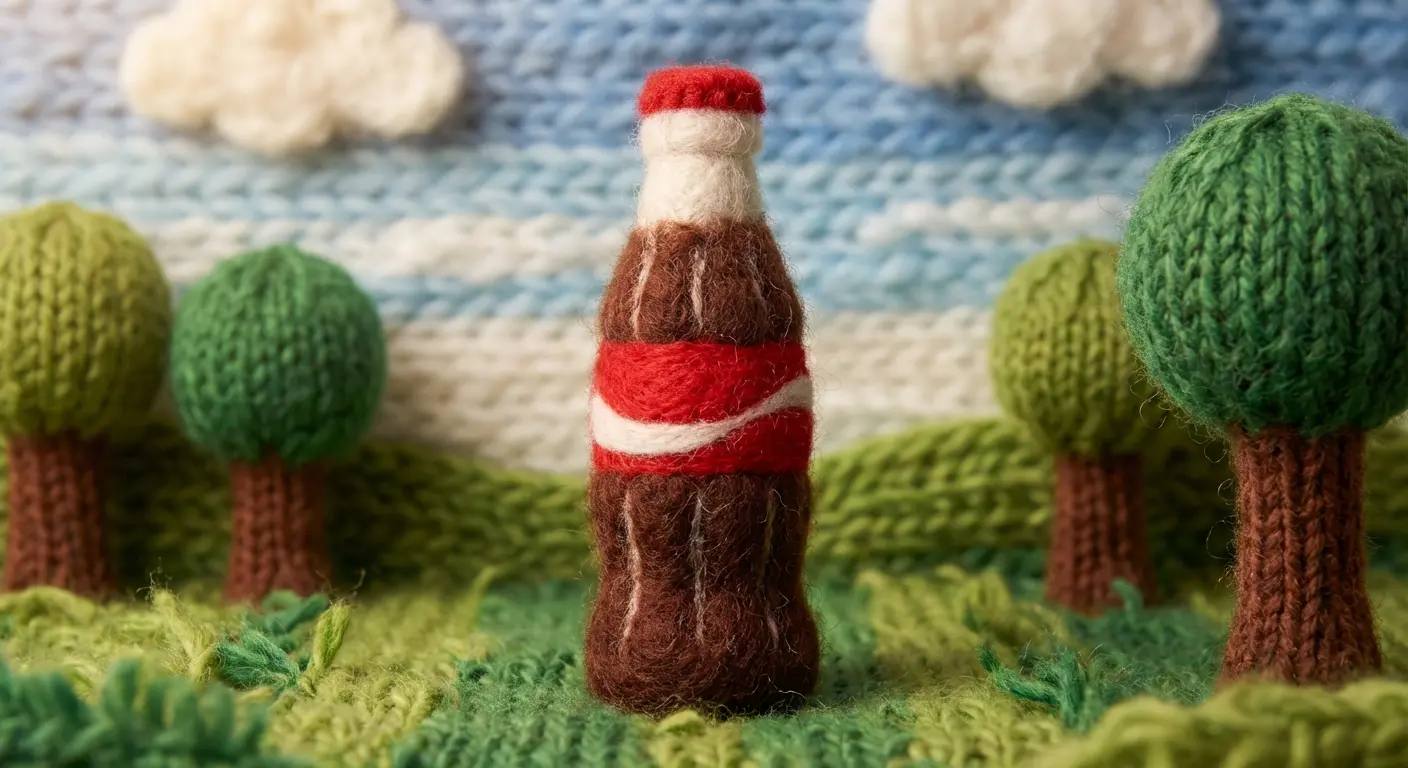
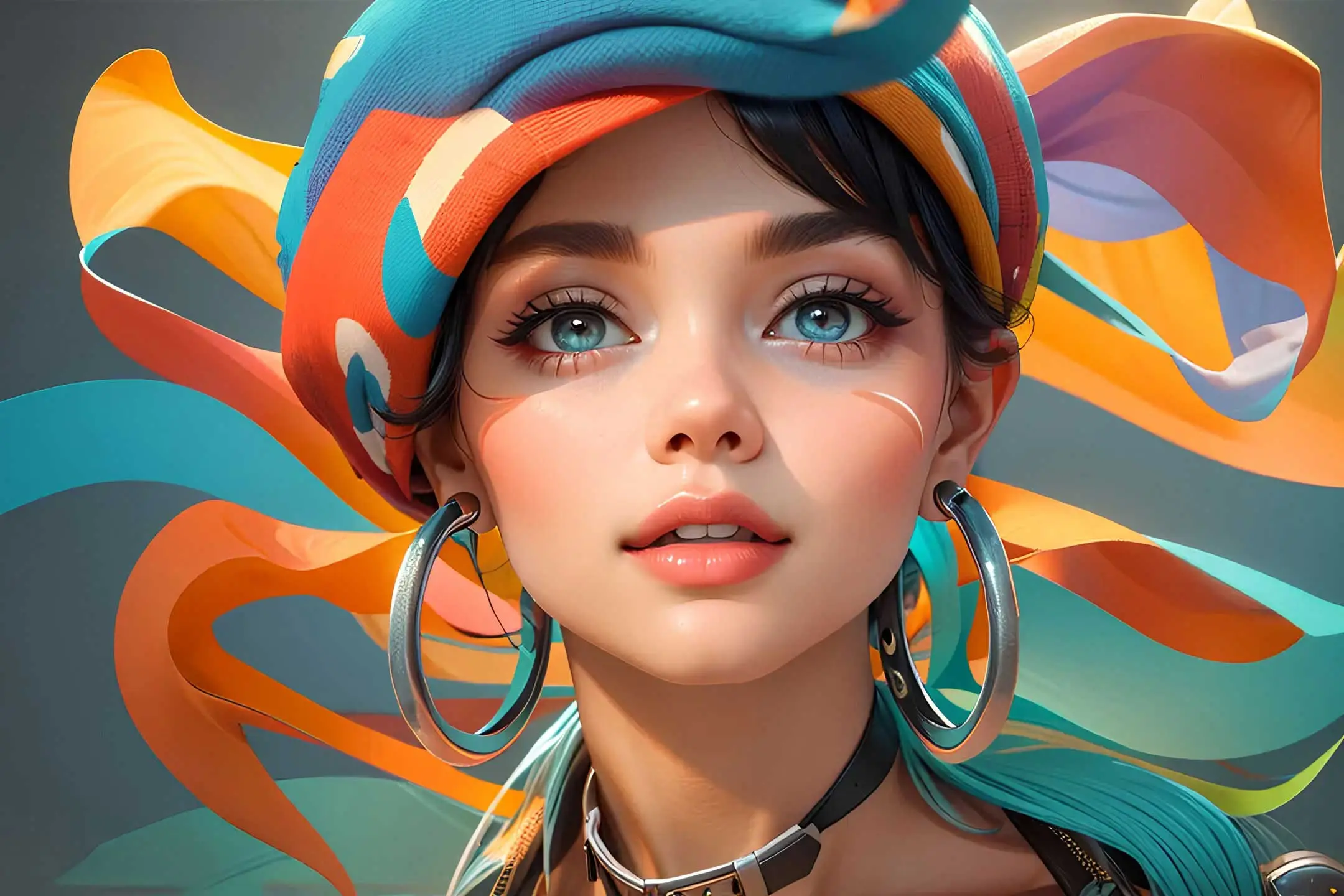

Compare image and video models across World Model Hub to find the creative workflow that fits your current project best.
Nano Banana
Best for fast image drafts and high-frequency image creation.

Nano Banana Pro
Best for posters, layout-driven visuals, and commercial images.

Nano Banana 2
Best for higher-detail image generation and sharper output.

Veo 3.1
Useful when your workflow moves from still images into more advanced video generation.

Kling 2.6
Useful for camera-led short-form video creation.

Sora 2
Useful for cinematic and narrative video directions.

Grok Imagine
Useful for quick video ideation and creator workflows.
World Model Hub AI Image Generator is a workflow hub for text-to-image creation, reference-based editing, and model comparison. Switch between Nano Banana, Nano Banana Pro, and Nano Banana 2 in one workspace to generate product visuals, marketing creatives, thumbnails, posters, brand images, and concept drafts faster.
World Model Hub AI Image Generator is a workflow hub for text-to-image creation, reference-based editing, and model comparison. Switch between Nano Banana, Nano Banana Pro, and Nano Banana 2 in one workspace to generate product visuals, marketing creatives, thumbnails, posters, brand images, and concept drafts faster.
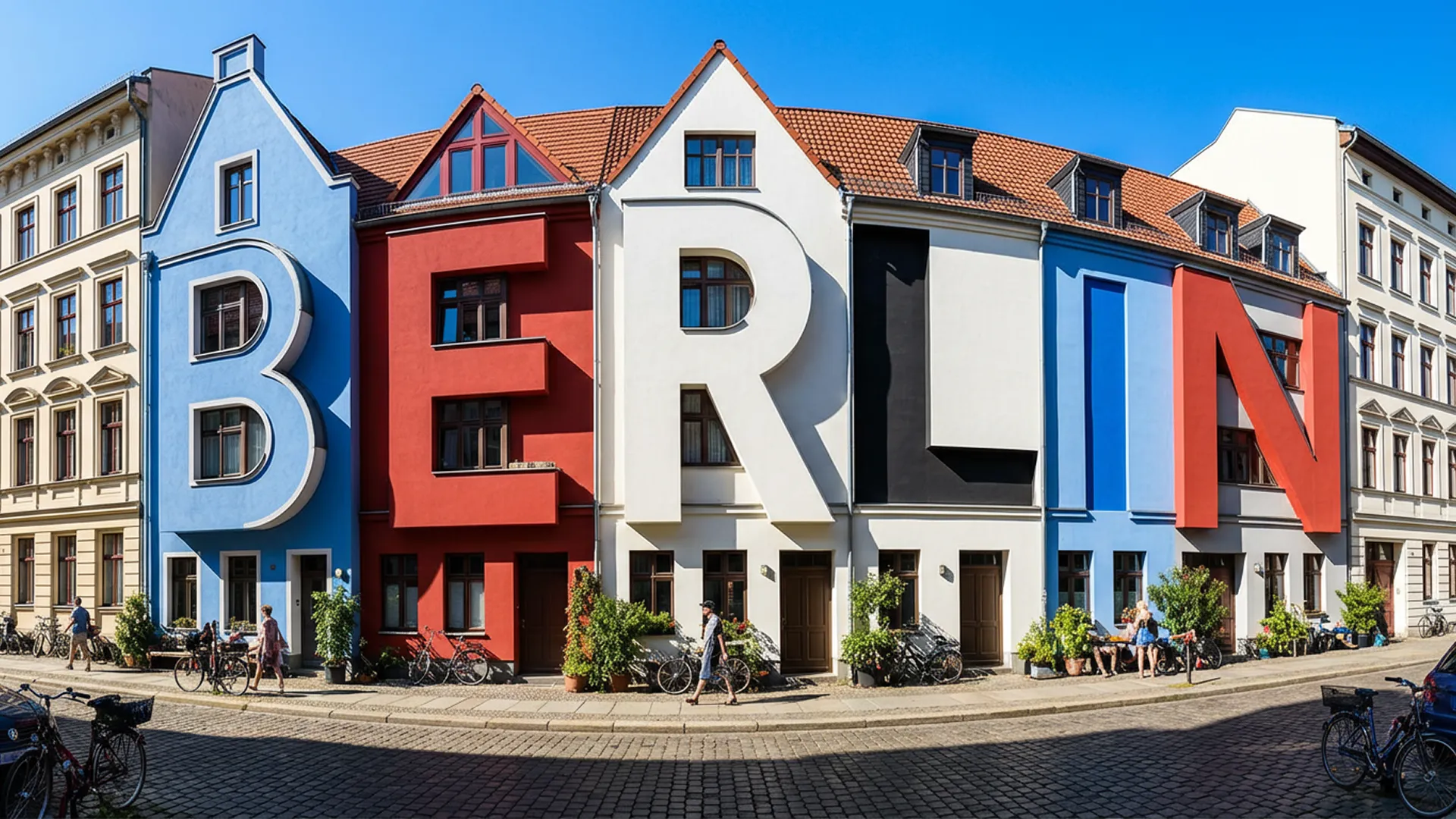
These are the image workflow capabilities that matter most when the goal is useful output, not just another generic image demo.
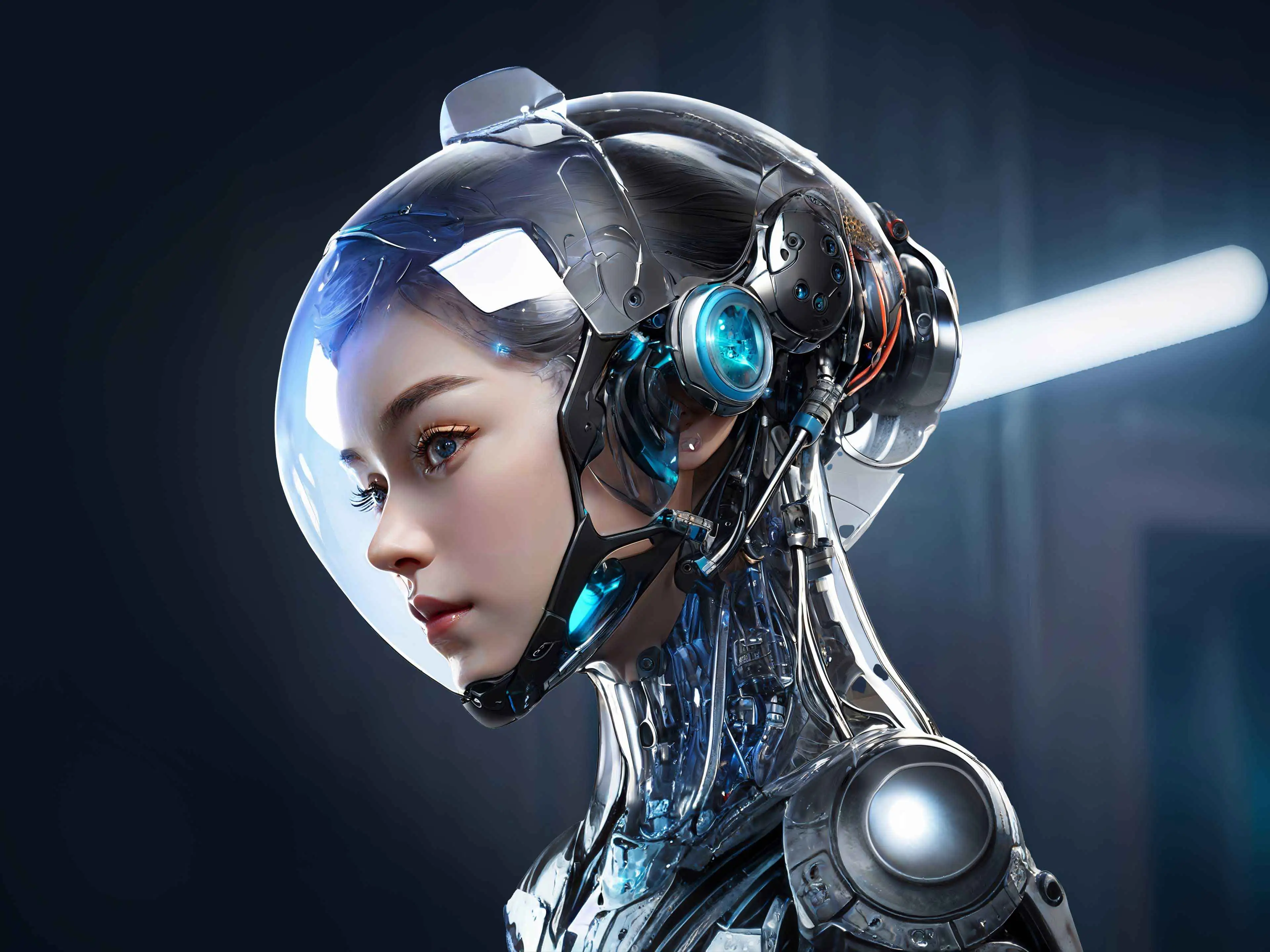
Turn short or detailed prompts into review-ready image drafts for composition, material, style, and visual direction testing.
Go from idea to image draft in three simple steps.
Decide whether speed, poster-like control, or high-detail quality matters most, then choose the model, ratio, and output size.
Describe the subject, material, environment, style, and image goal. Add references when you need stronger control.
Review composition, detail, style, and usability, then improve the result with prompt edits, model changes, or better references.
These are the use cases where AI image tools usually deliver immediate production value.
Generate product hero images, contextual scenes, and promotional assets for ecommerce and catalog workflows.
Create marketing posters, launch visuals, ad creatives, and campaign concept drafts faster.
Generate covers, thumbnails, and social visuals to support high-frequency publishing workflows.
Test layout, lighting, palette, and brand tone before moving into final design or retouching.
Validate campaign concepts, packaging ideas, and image directions without starting with a full design process.
Prepare faster first-pass visuals so teams and stakeholders can react to something concrete earlier.
Typical feedback from brand, design, ecommerce, and marketing teams using AI image workflows in practice.
“
We use it to compare product image directions quickly instead of spending too long on one design route too early.
Mia L.
Creative Producer“
Nano Banana Pro is especially useful for poster-like work, while the lighter model is better for fast drafts.
Noah T.
Performance Marketing Lead“
For content teams, being able to switch models, prompts, and references in one place speeds up the whole review loop.
Ava C.
Brand Designer“
When we build product visuals and campaign directions, the main value is getting images that are good enough to discuss immediately.
Ethan R.
Design Lead“
Higher-detail models are best for the later review stage, while faster models help during daily iteration.
Sophia M.
Product Marketing Manager“
It feels more like an AI image workstation than a single model page, which is exactly what we need for different creative tasks.
Liam K.
Creative StrategistQuick answers about text-to-image, reference-based editing, model selection, and export quality.
Use prompts or reference images, compare multiple image models, and keep iterating until the result is ready for review or delivery.