

Veo 3.1
Video Models
Higher realism and native audio sync.
Create high-detail AI images with Nano Banana 2 using text prompts, reference images, and iterative edits. This workflow is built for stronger detail retention, multi-image consistency, and 1K, 2K, or 4K delivery.
Model Selection
Parameters
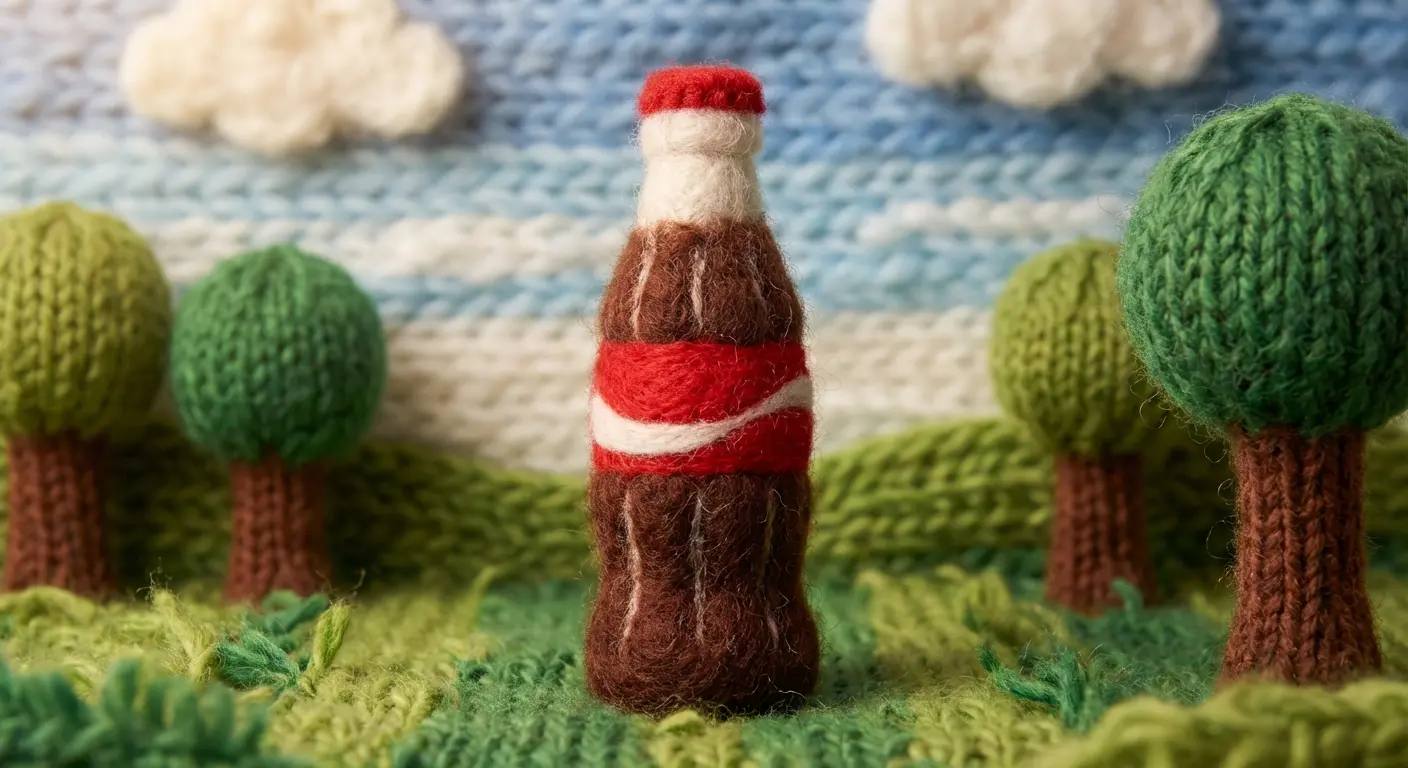
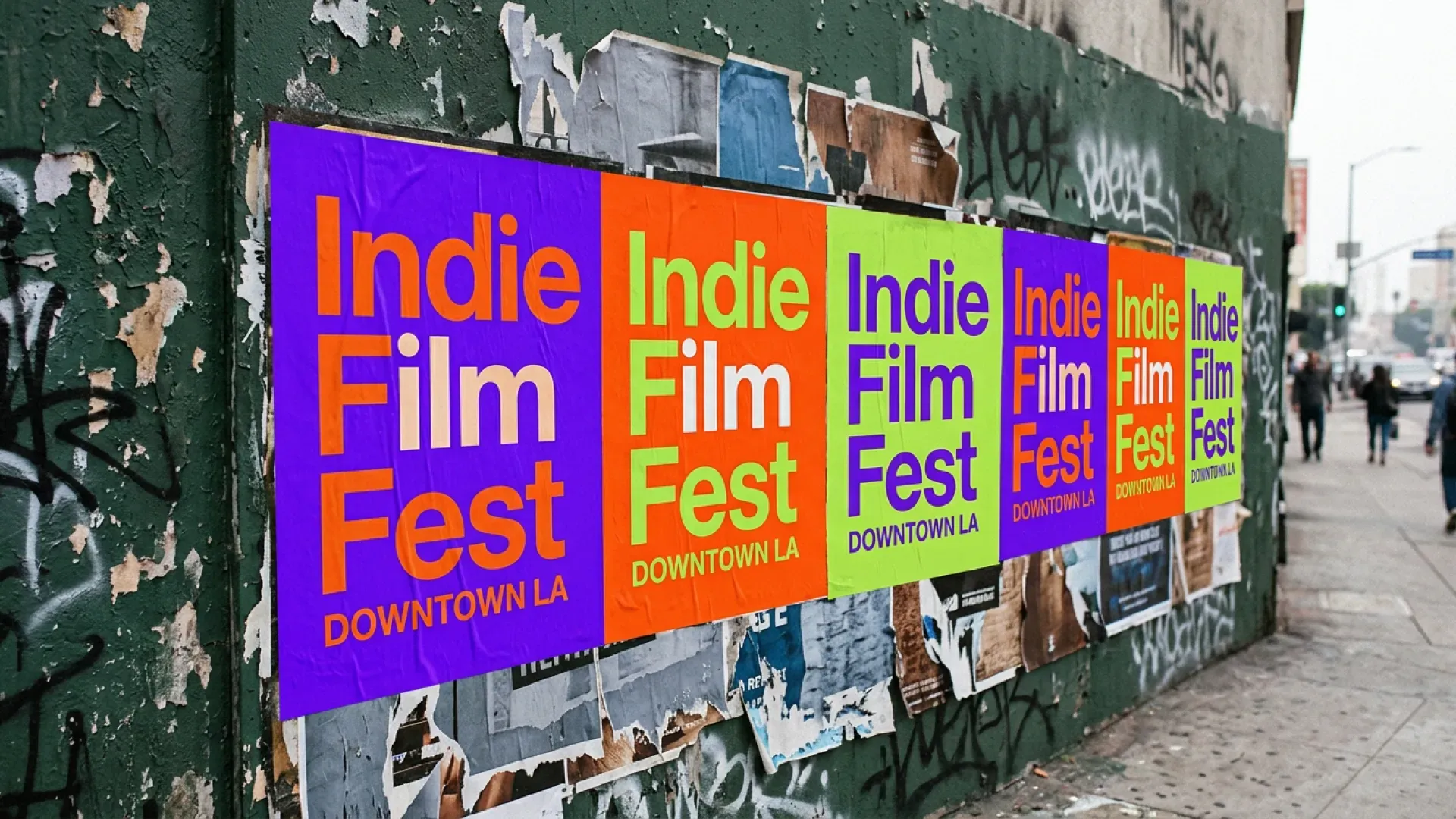
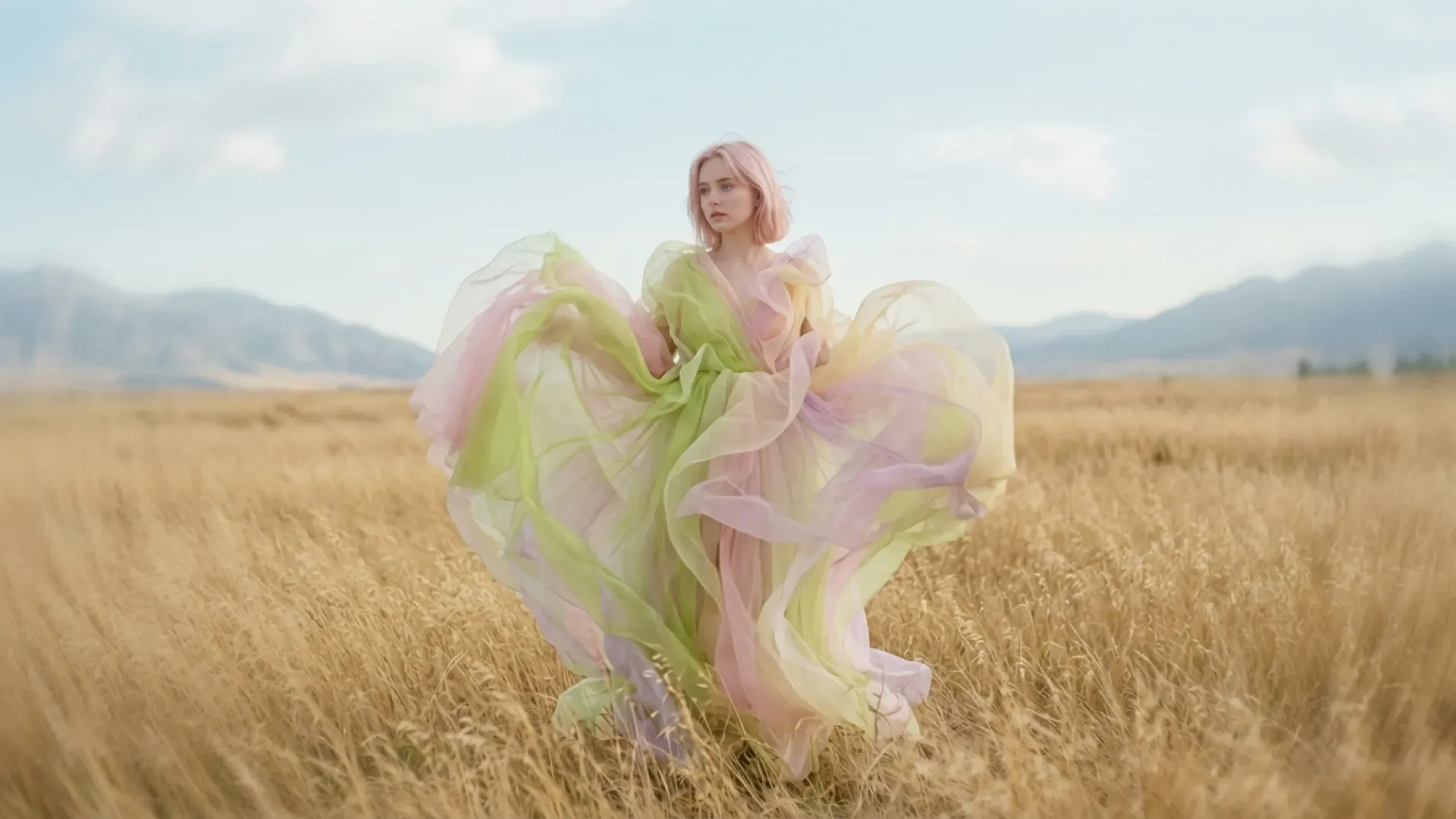
Compare Nano Banana 2 with other World Model Hub image and video models when you need more speed, stronger text rendering, or alternative creative workflows.
Veo 3.1
Higher realism and native audio sync.

Grok Imagine
Fast creative video ideation.

Sora 2
Real-world and narrative simulation.

Kling 2.6
Smart camera control for video.
Seedance 1.5 Pro
Audio-sync and narrative control.

Nano Banana
Lightweight high-speed image generation.

Nano Banana Pro
The world's first reasoning image engine.
Nano Banana 2 is an AI image generator for teams that need higher detail, stronger image consistency, and higher-resolution output. Try Nano Banana 2 free with WMHub starter credits for product visuals, campaign images, concept drafts, and multi-image editing with sharper output.
Nano Banana 2 is an AI image generator for teams that need higher detail, stronger image consistency, and higher-resolution output. Try Nano Banana 2 free with WMHub starter credits for product visuals, campaign images, concept drafts, and multi-image editing with sharper output.
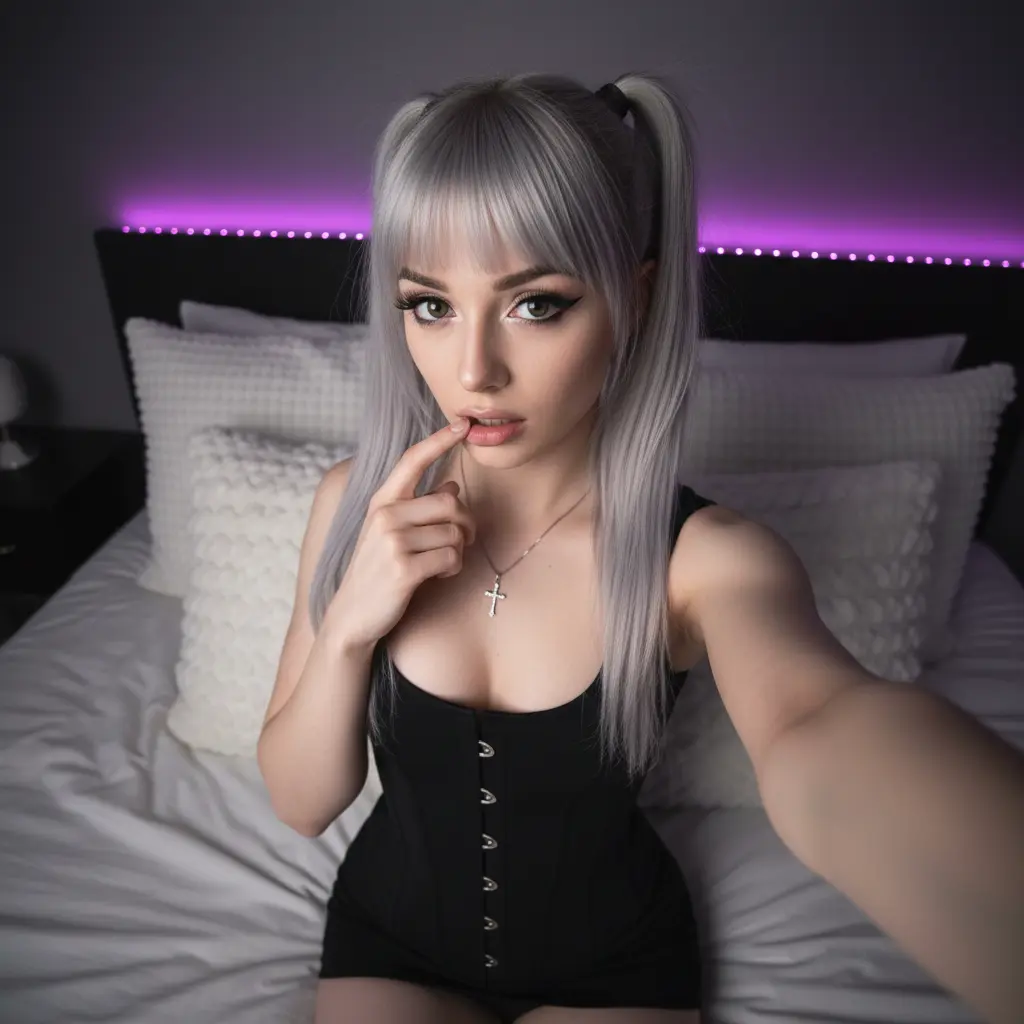
Core Nano Banana 2 capabilities for teams that need higher-detail AI image generation, stronger consistency, and flexible 1K to 4K output.
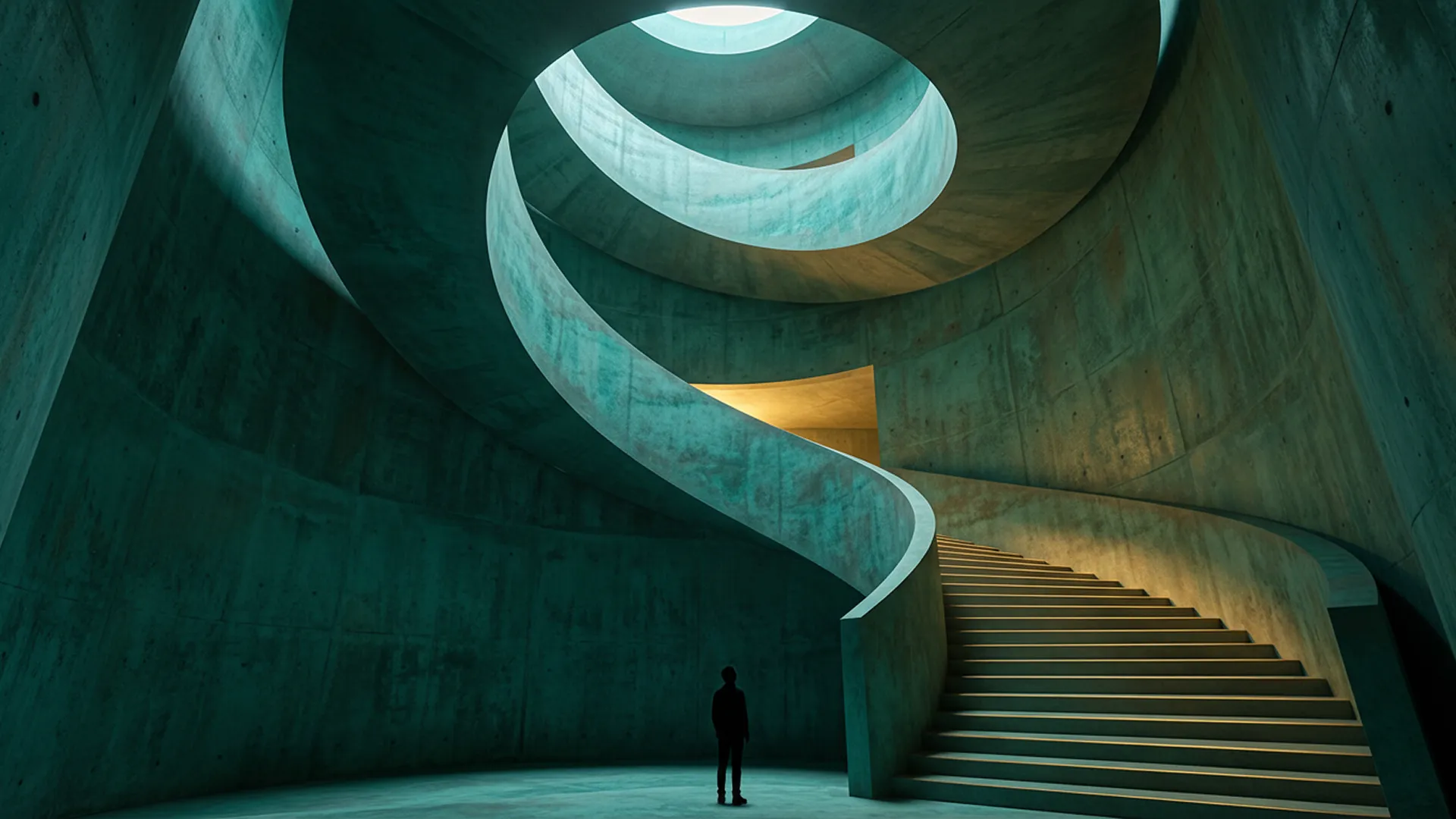
Generate image drafts with stronger texture, cleaner edges, and better preservation of subject structure.
A simple three-step workflow for generating sharper, more consistent images with Nano Banana 2.
Set the prompt with subject, environment, material details, and visual style. Add references when shape, identity, or scene accuracy matters.
Generate a first draft, review texture, lighting, and composition, then iterate with image edits or more visual guidance.
Choose aspect ratio and 1K, 2K, or 4K output settings, then deliver the final set to ecommerce, campaigns, or design review.
Common Nano Banana 2 workflows for product visuals, campaign images, detailed concept art, and higher-resolution review-ready assets.
Produce campaign key visuals and launch graphics when sharper textures and cleaner lighting matter.
Generate sharper covers, thumbnails, and post visuals that hold up better in dense, high-contrast layouts.
Build product hero images, contextual scenes, and catalog updates with stronger material and shape fidelity.
Maintain visual language across teams with repeatable prompts and more consistent image-to-image refinement.
Create richer drafts for internal review when teams need cleaner textures, materials, and scene structure.
Prototype multiple high-fidelity directions quickly before handing work to retouching or final design.
How teams use Nano Banana 2 when image detail and consistency matter more than raw speed.
“
Nano Banana 2 gives us cleaner material detail on packaging, glass, and fabric than our faster draft workflow.
Mia L.
Creative Producer“
We use it when stakeholders care about sharper review images, not just quick rough concepts.
Noah T.
Performance Marketing Lead“
Reference images hold together better across product variants, especially when color and shape consistency matter.
Ava C.
Brand Designer“
The 4K option helps when we need final visuals for landing pages and campaign review decks.
Ethan R.
Design Lead“
It is a good middle ground between fast ideation and polished image output.
Sophia M.
Product Marketing Manager“
Our art team uses it for image editing passes where detail loss used to force manual rework.
Liam K.
Creative StrategistAnswers about Nano Banana 2 detail quality, multi-image editing, 4K output, image consistency, and credits.
Start with one Nano Banana 2 prompt, refine detail and consistency, and export a sharper image draft for review, launch, or production.