

Veo 3.1
Video Models
Higher realism and native audio sync.
Create fast AI images with Nano Banana using text prompts, reference images, and lightweight edits. This workflow is built for quick drafts, daily content, creator assets, and simple visual iteration.
Model Selection
Parameters
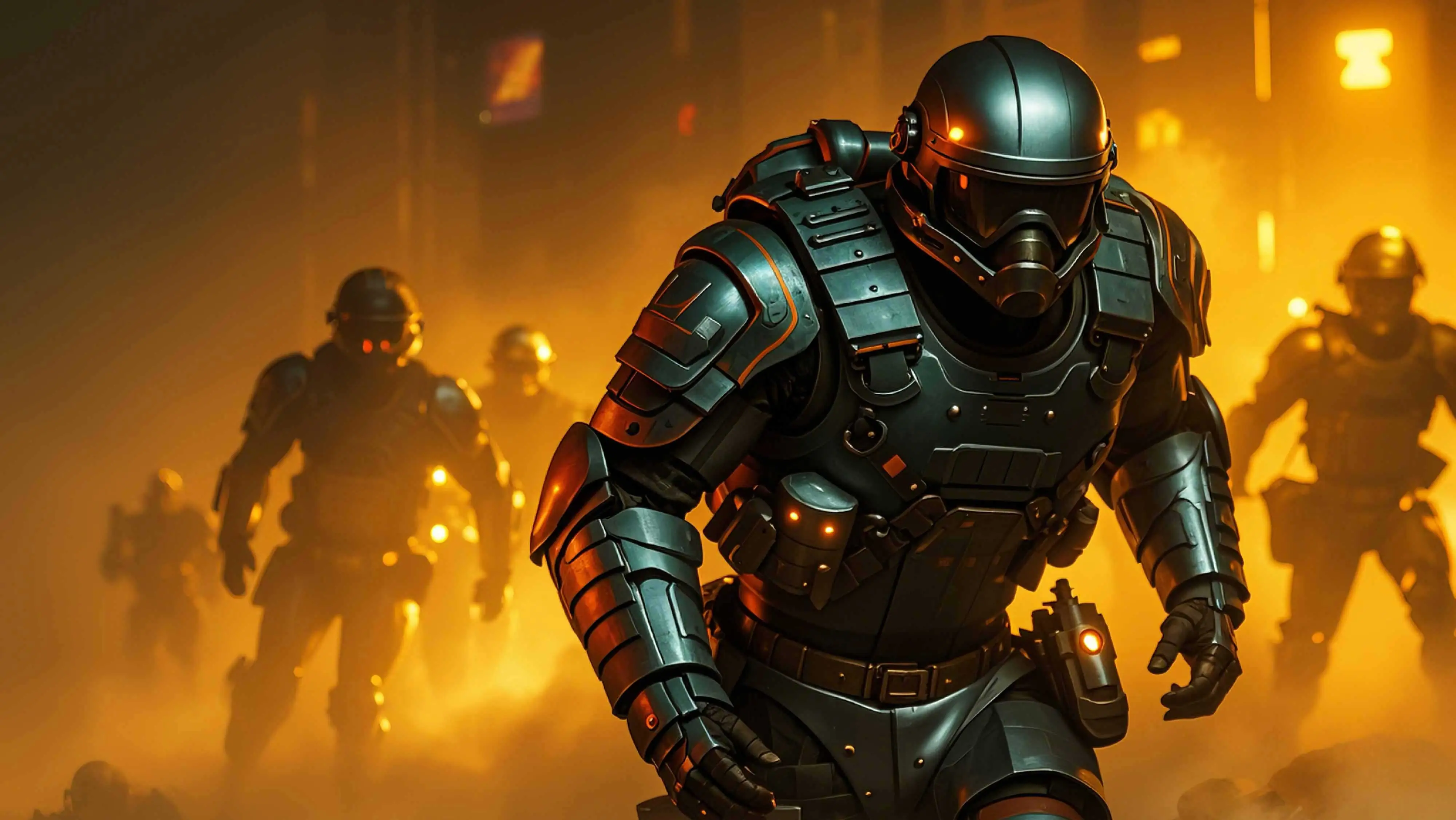
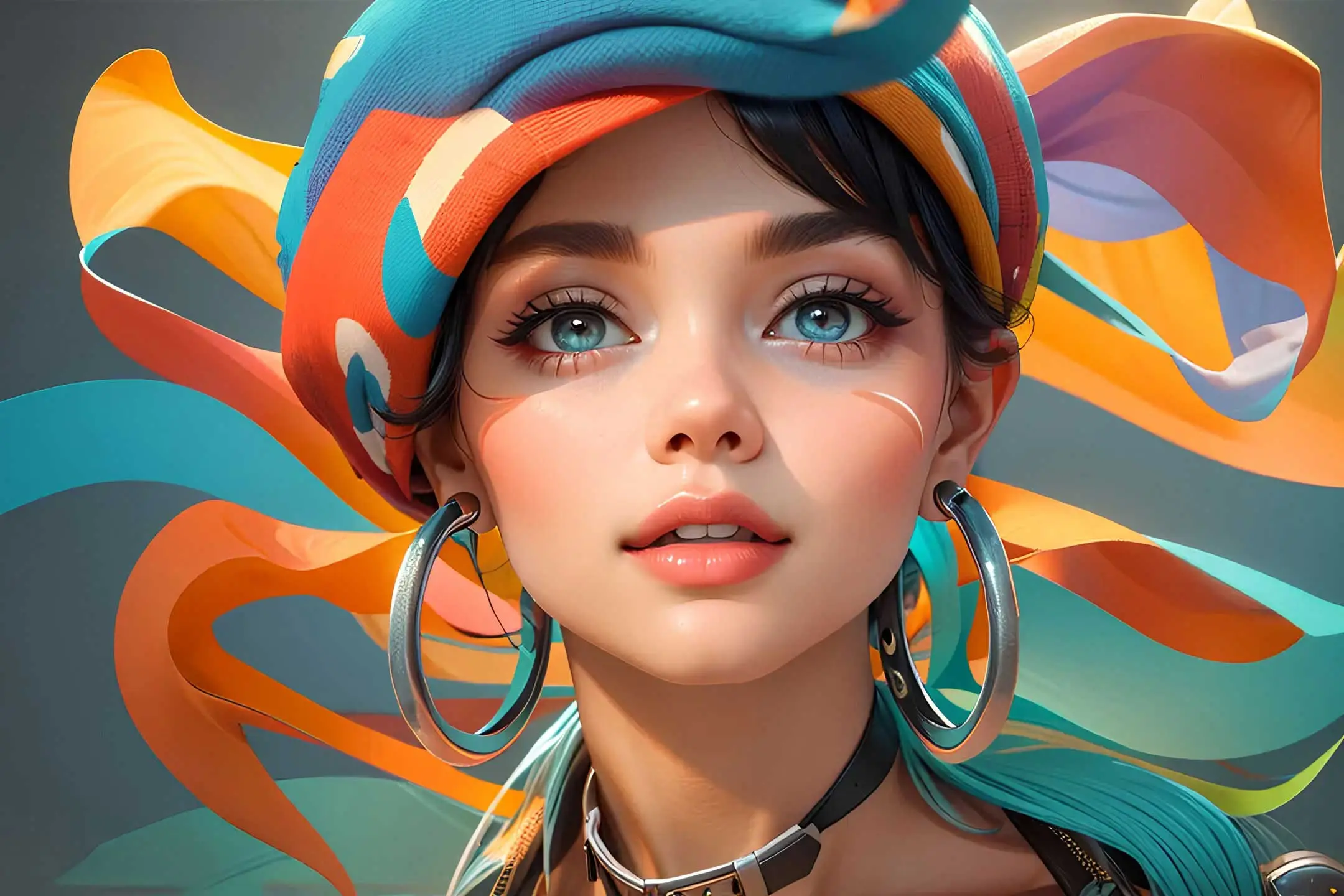
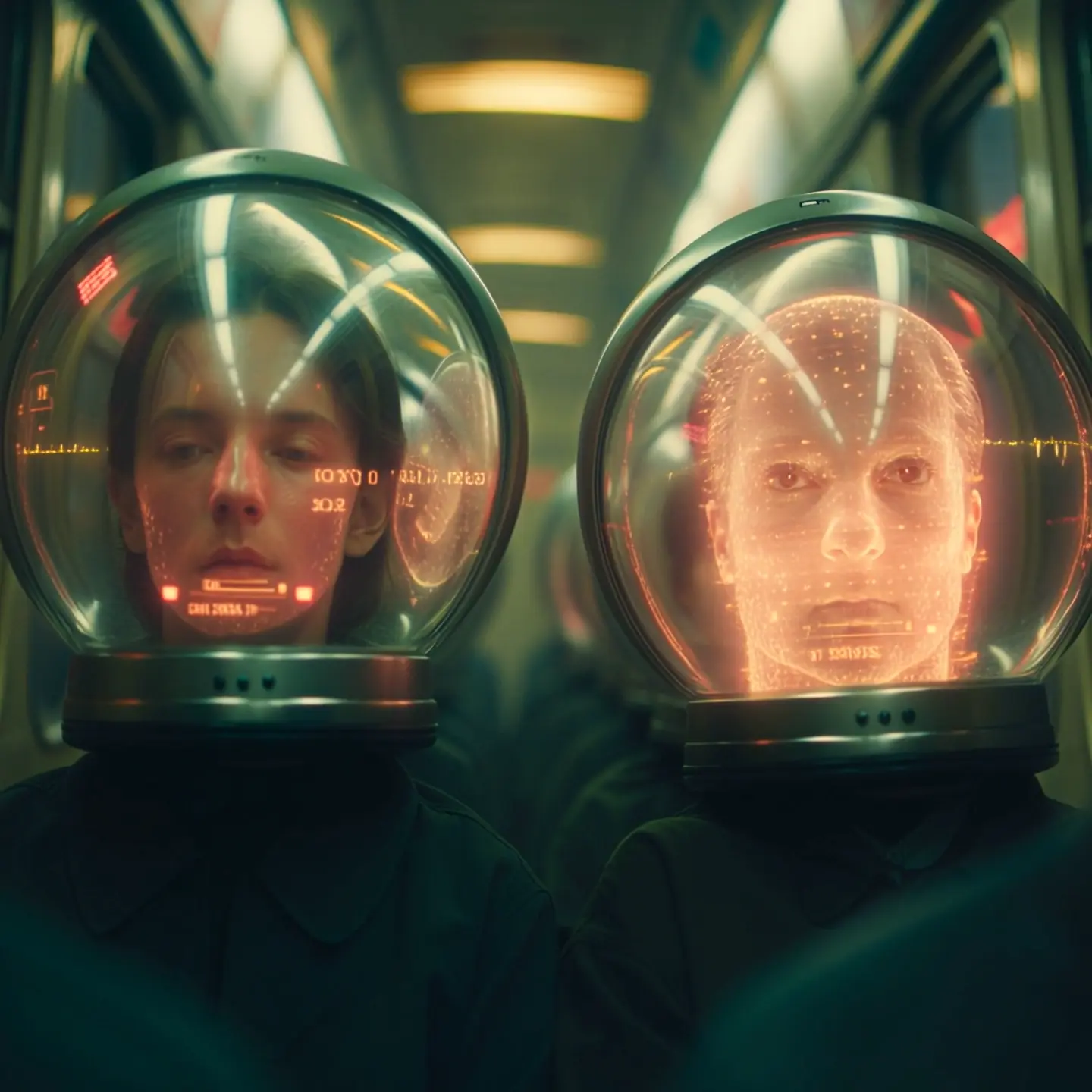
Compare Nano Banana with other World Model Hub image and video models when you need more detail, better text rendering, or different creative workflows.
Veo 3.1
Higher realism and native audio sync.

Grok Imagine
Fast creative video ideation.

Sora 2
Real-world and narrative simulation.

Kling 2.6
Smart camera control for video.
Seedance 1.5 Pro
Audio-sync and narrative control.

Nano Banana 2
World-knowledge-enhanced image generation.

Nano Banana Pro
The world's first reasoning image engine.
Nano Banana is a fast AI image generator designed for quick text-to-image creation and lightweight image editing. Try Nano Banana free with WMHub starter credits for daily content, creator assets, fast drafts, and simple visual production.
Nano Banana is a fast AI image generator designed for quick text-to-image creation and lightweight image editing. Try Nano Banana free with WMHub starter credits for daily content, creator assets, fast drafts, and simple visual production.
Core Nano Banana capabilities for teams that prioritize speed, lightweight editing, and repeatable daily AI image generation.

Turn a short prompt into an image draft quickly so teams can test more directions in less time.
A simple three-step workflow for generating and refining images quickly with Nano Banana.
Define the subject, style, and output goal. Add a reference image when you want a faster path to the look you already have in mind.
Run the image generation, inspect composition and style, then refine the result with small prompt or reference changes.
Choose the aspect ratio that fits your channel, finalize the draft, and deliver it to social, content, or internal design workflows.
Common Nano Banana workflows for daily content, creator assets, draft visuals, and quick internal review images.
Produce social post visuals, quick announcements, and creator graphics on short timelines.
Generate thumbnails, covers, and channel art with simple prompt and reference workflows.
Build product mockups, promo images, and lightweight merchandising concepts without a heavy production loop.
Create supporting images for blog posts, explainers, landing pages, and newsletters.
Test multiple visual directions quickly before investing in higher-fidelity production workflows.
Use Nano Banana when teams need repeatable image generation for routine content rather than one-off hero campaigns.
How creators and marketers use Nano Banana for fast, everyday image generation.
“
Nano Banana is the page we open when we need a usable image draft quickly instead of a long generation cycle.
Mia L.
Content Producer“
It is useful for quick post graphics and product promos because the workflow stays simple and predictable.
Noah T.
Performance Marketing Lead“
Reference images make it easy to keep the general look aligned without overengineering the prompt.
Ava C.
Brand Designer“
We use Nano Banana for fast thumbnail and cover experiments before moving selected concepts into a more advanced model.
Ethan R.
Creator Operations Lead“
It helps our team test more visual ideas per week because the barrier to each iteration is low.
Sophia M.
Product Marketing Manager“
For everyday content tasks, the faster workflow matters more than squeezing out maximum detail every time.
Liam K.
Creative StrategistAnswers about Nano Banana speed, text-to-image workflows, lightweight image editing, output options, and credits.
Start with one Nano Banana prompt, generate a fast image draft, and iterate until the result is ready for content, review, or handoff.