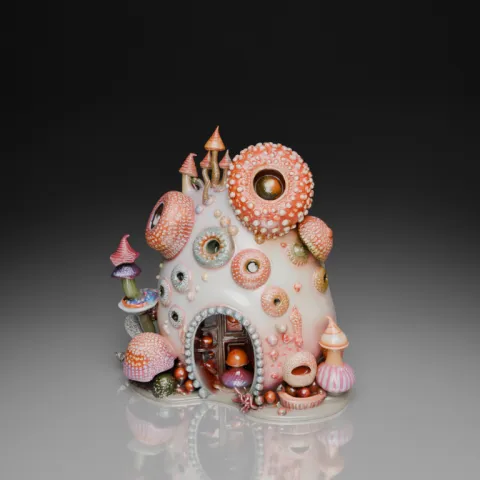
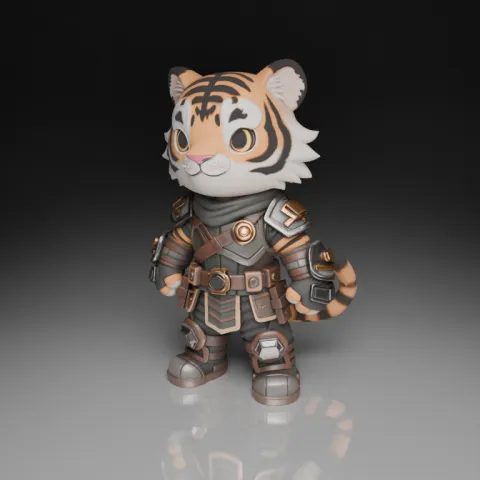
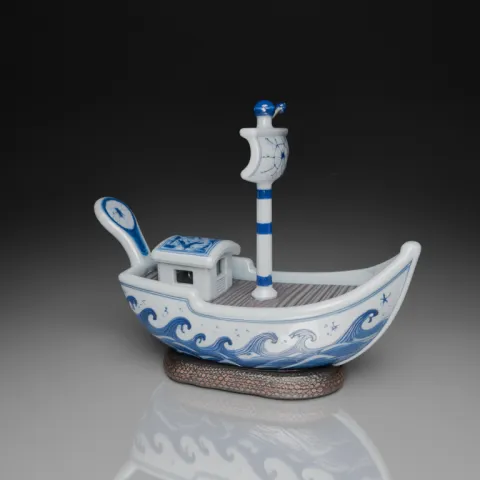
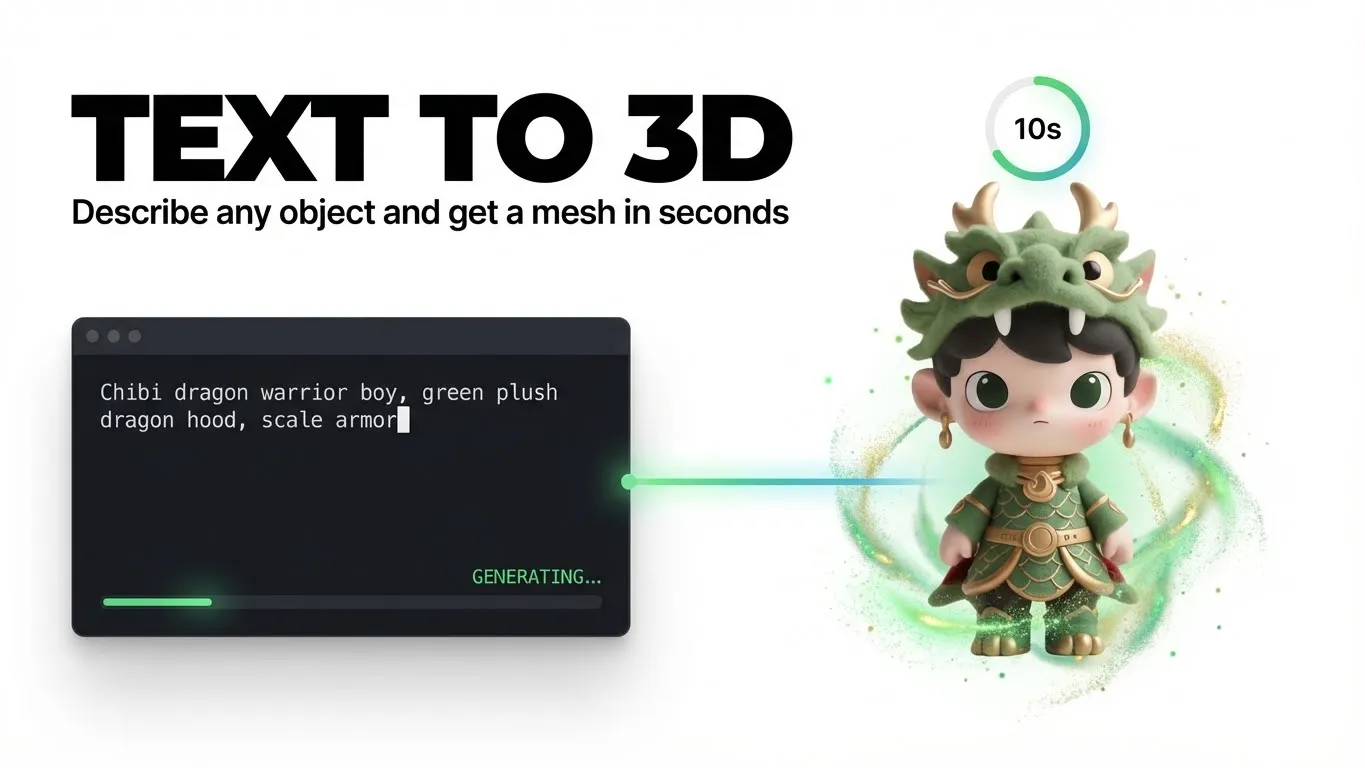
Create textured 3D assets from prompts or reference images with the Hunyuan 3D V3.1 workflow in WMHub. Use Rapid for faster ideation, then switch to Pro when you need cleaner geometry, stronger texture quality, and a more production-ready GLB handoff.
0/200
Model Selection
3D Showcase
Explore related workflows around Hunyuan 3D
Move from Hunyuan 3D into adjacent WMHub workflows when you need earlier concept art, broader 3D exploration, or motion output after the asset direction is clear.
Hunyuan 3D is Tencent's multimodal 3D generation model family for turning prompts and visual references into production-oriented 3D assets. In WMHub, the Hunyuan 3D V3.1 workflow is best for fast text-to-3D and image-to-3D creation, helping teams move from concept to textured GLB output for Blender, Unity, Unreal Engine, ecommerce, and prototyping workflows.
What is Hunyuan 3D
Hunyuan 3D is Tencent's multimodal 3D generation model family for turning prompts and visual references into production-oriented 3D assets. In WMHub, the Hunyuan 3D V3.1 workflow is best for fast text-to-3D and image-to-3D creation, helping teams move from concept to textured GLB output for Blender, Unity, Unreal Engine, ecommerce, and prototyping workflows.
Text-to-3D and image-to-3D generation in one workflow
Tencent Hunyuan 3D family positioning with WMHub-ready V3.1 access
Textured GLB output for downstream DCC and engine pipelines
Useful for games, ecommerce, prototyping, and product visualization
Official Hunyuan 3D releases focus on multimodal control, geometry quality, texture realism, and downstream usability. This WMHub page is positioned around the parts of that workflow users can act on immediately: prompting, reference-led generation, quality control, and 3D asset export.
Multimodal creation for concept-first or reference-led assets
The Hunyuan 3D family is designed for text, image, and broader multimodal 3D creation. In WMHub, you can start from a prompt for concept exploration or add a reference image when silhouette, product form, or visual direction needs tighter control.
This page is optimized for a real generator workflow, not just a model description. Start with a prompt or reference image, choose the quality tier that matches your stage, then review and export the 3D asset when the result is ready.
1
Step 1: Start with a prompt or upload a reference image
Write a natural-language description when you want to invent a new object, prop, product, or collectible from scratch. Upload a reference image when the generated model needs to stay closer to an existing silhouette, product photo, concept drawing, or approved visual direction.
2
Step 2: Choose Rapid or Pro and generate the asset
Use Rapid when you need faster concept loops and early-stage ideation. Switch to Pro when geometry quality, texture fidelity, and downstream handoff matter more than speed. This is the point where the page maps cleanly to search intent like Hunyuan 3D prompt, Hunyuan 3D image to 3D, and Hunyuan 3D GLB export.
3
Step 3: Review the result and export the GLB
Inspect the generated model for overall silhouette, texture coverage, and handoff readiness. When the result is good enough for review or production prep, keep it in WMHub Assets and download the GLB for Blender, Unity, Unreal Engine, product visualization, or other downstream 3D workflows.
Best use cases for the Hunyuan 3D workflow
Hunyuan 3D is strongest when the goal is to turn a concept, product image, or art direction into a commercial-grade 3D starting point faster than a manual modeling workflow.
Game development, props, and character-adjacent assets
Generate props, stylized objects, weapons, accessories, and first-pass 3D assets for game prototyping, worldbuilding, and fast art-direction review.
Ecommerce product visualization and packaging mockups
Turn product photos or concept prompts into 3D models for interactive merchandising, packaging direction, launch previews, and photorealistic product visualization workflows.
Film, animation, and VFX pre-visualization
Use Hunyuan 3D for fast storyboard assets, environment objects, hero props, and sketch-inspired concept exploration before a heavier animation or VFX build begins.
AR, VR, and interactive environment planning
Build first-pass objects and scene components that can move into immersive demos, interactive product experiences, and real-time engine pipelines.
Advertising and social media 3D content
Create 3D models for campaign visuals, short-form video concepts, motion design handoff, and branded content where speed and iteration matter.
3D printing and physical prototyping
Use the generated asset as a starting point for print-ready review, prototype discussions, or downstream cleanup before fabrication and manufacturing steps.
Official positioning signals behind Hunyuan 3D
This page now leans on real public positioning from Tencent, GitHub, and Tencent Cloud style materials instead of generic marketing filler. The goal is to keep the copy useful for search while staying close to what official sources actually emphasize.
“
Tencent presents Hunyuan 3D as a multimodal 3D generation engine focused on turning text and visual inputs into production-oriented 3D assets.
Tencent Hunyuan 3D
Official product positioning
“
The open Hunyuan3D repository highlights practical creation workflows, local deployment options, and ecosystem support such as ComfyUI and Blender integrations.
GitHub
Open-source workflow signal
“
Tencent Cloud materials focus on commercial 3D asset generation, API access, and real production scenarios rather than research-only demos.
Tencent Cloud
Commercial deployment signal
“
This page now leans on real public positioning from Tencent, GitHub, and Tencent Cloud style materials instead of generic marketing filler. The goal is to keep the copy useful for search while staying close to what official sources actually emphasize.
Official positioning signals behind Hunyuan 3D
This page now leans on real public positioning from Tencent, GitHub, and Tencent Cloud style materials instead of generic marketing filler. The goal is to keep the copy useful for search while staying close to what official sources actually emphasize.
“
This page now leans on real public positioning from Tencent, GitHub, and Tencent Cloud style materials instead of generic marketing filler. The goal is to keep the copy useful for search while staying close to what official sources actually emphasize.
Official positioning signals behind Hunyuan 3D
This page now leans on real public positioning from Tencent, GitHub, and Tencent Cloud style materials instead of generic marketing filler. The goal is to keep the copy useful for search while staying close to what official sources actually emphasize.
“
This page now leans on real public positioning from Tencent, GitHub, and Tencent Cloud style materials instead of generic marketing filler. The goal is to keep the copy useful for search while staying close to what official sources actually emphasize.
Official positioning signals behind Hunyuan 3D
This page now leans on real public positioning from Tencent, GitHub, and Tencent Cloud style materials instead of generic marketing filler. The goal is to keep the copy useful for search while staying close to what official sources actually emphasize.
Hunyuan 3D FAQ
Answers on what Hunyuan 3D is, supported inputs, WMHub workflow behavior, quality tiers, export formats, commercial usage context, local open-source options, and Hunyuan3D version differences.
Try the Hunyuan 3D generator in WMHub
Open the Hunyuan 3D workflow, create a 3D asset from a prompt or reference image, compare Rapid and Pro, and export a textured GLB when the result is ready.